Features / Customize
Customize
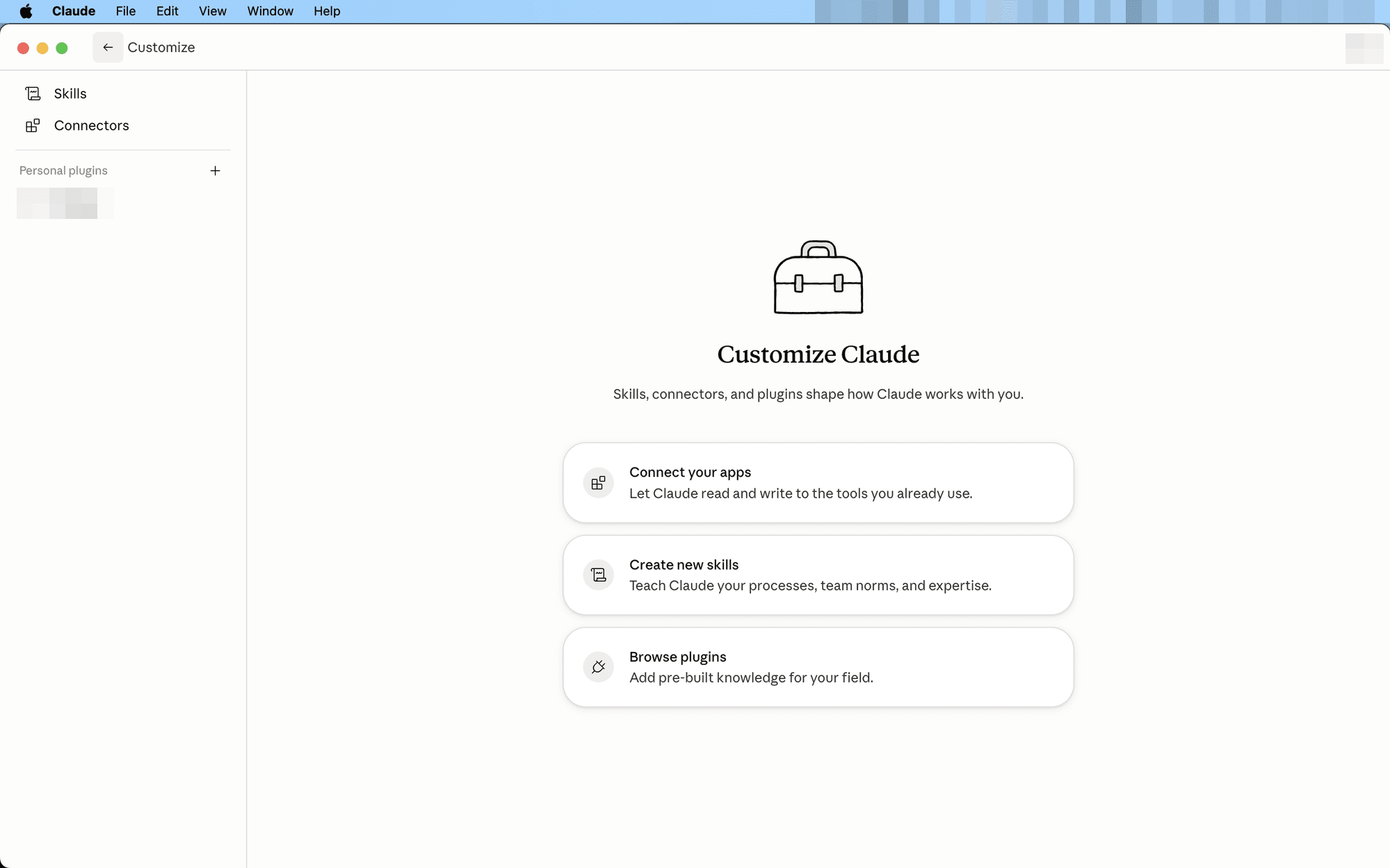
Where your skills and connected apps live. Installed skills land here — and “Create new skills” lets you teach Claude your own process in plain language.
Use it for: Add the skills your team uses, so a report comes out the same no matter who asks. Or create one from how YOU write proposals.
When to reach for it
- Right after installing a skill — Skills is where it lands.
- Before anything connector-driven — link Gmail, calendar, Slack here once, and Cowork pulls and pushes without exports.
- When a process is truly yours — create a skill from it.
How to use it
- Skills — everything installed from Claudinho shows up here; check or remove anytime.
- Connectors — one-time logins to the apps you live in.
- Create new skills — teach Claude your process in plain language: how you write proposals, how the team formats updates. (Where skills fit in covers when this beats installing.)
Features · customize