Features / New task
New task
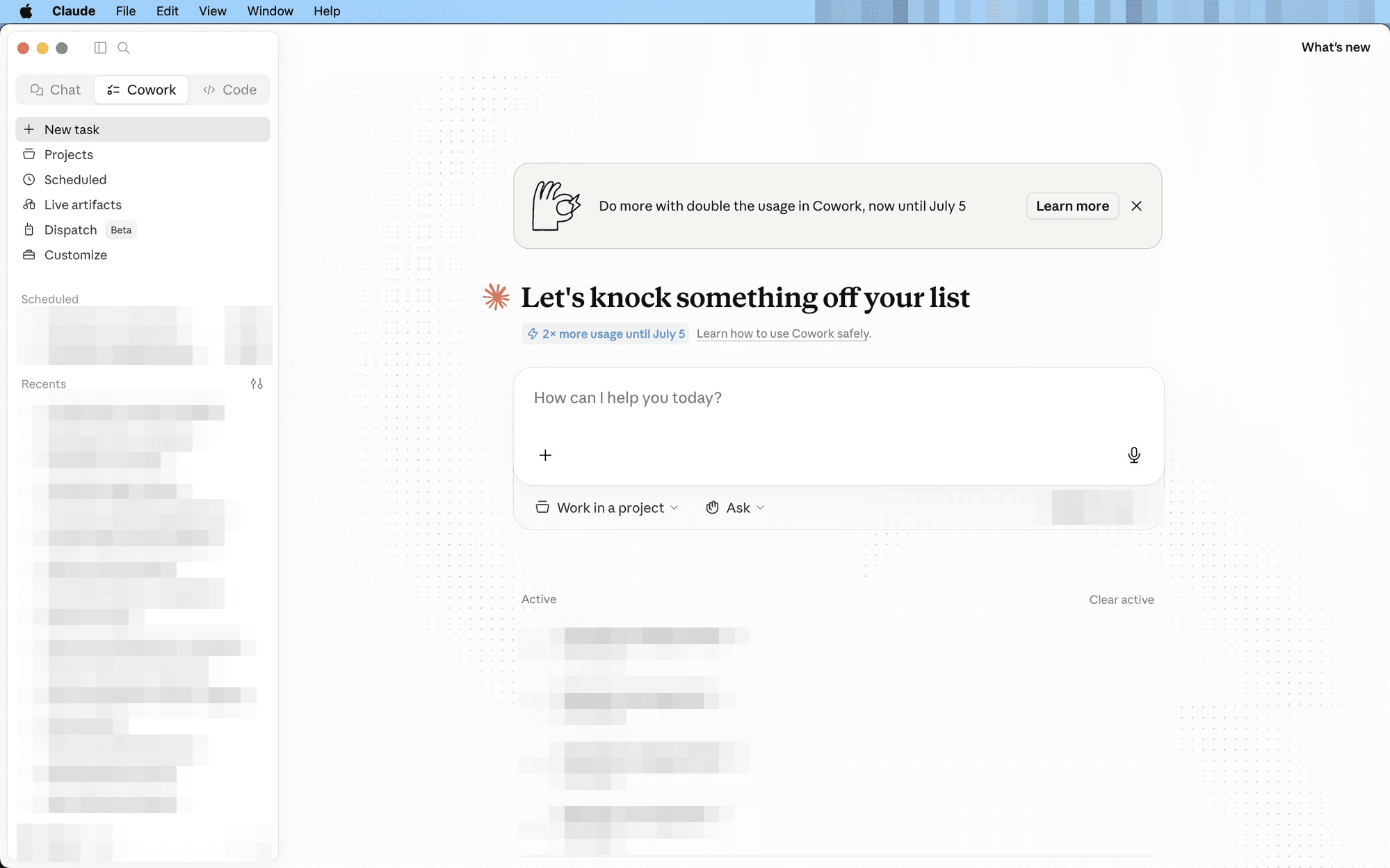
Where everyday work starts. Drop in files, say what you want, Cowork does it.
Use it for: “Summarize this contract.” “Draft a renewal email from this thread.” “Compare these three proposals.” One task per job.
When to reach for it
- Any one-off job — summarize a contract, draft an email from a thread, compare three proposals.
- The first run of anything — if the job earns a repeat, you graduate it to a skill or a schedule later.
- Quick questions about your files — point at a folder and ask.
How to use it
- Open New task — the box asks “How can I help you today?”
- Add context — drag files in, or use the + button. Ongoing work? Pick it under “Work in a project” so Claude starts with the background.
- Describe the outcome, not the steps — and ask Claude to check with you before it starts.
Keep one task per job. Recent tasks stay in the sidebar, so a clean task-per-job history doubles as a to-do list you can reopen.
See it in action: the board-report example starts exactly like this — one task, one file, one sentence.
Features · new-task