Features / Scheduled
Scheduled
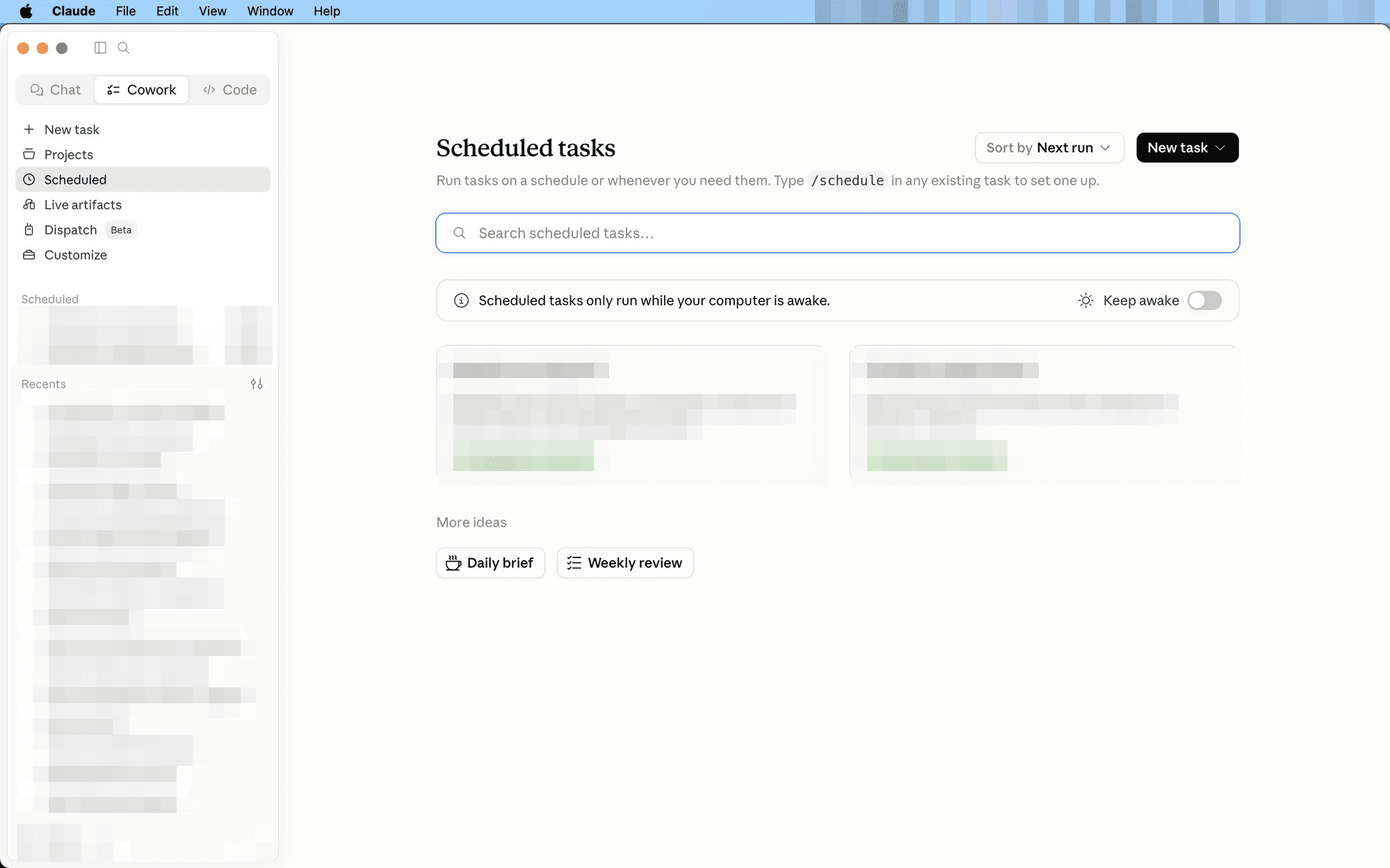
Set a task to repeat on its own — type /schedule in any task. The result is waiting when you sit down.
Use it for: A 6 a.m. brief of your calendar and inbox. A Friday team summary. A month-end revenue report that builds itself.
When to reach for it
- The job repeats on a calendar — a weekly summary, a month-end report, a morning brief.
- The inputs arrive on their own — email, calendar, connected apps — so nobody needs to kick it off.
- You want the result waiting — done before you sit down, not started when you remember.
How to use it
- Build the task once, normally, until the output looks right.
- Type /schedule inside that task and pick the cadence — daily, weekdays, monthly.
- Find the results under Scheduled in the sidebar — each run stacks up with a “new” marker.
Pair it with a Project: if the export lands in the folder every month, the scheduled board report builds itself from it.
Next feature: Live artifacts →
Features · scheduled